

Open SkyGPT
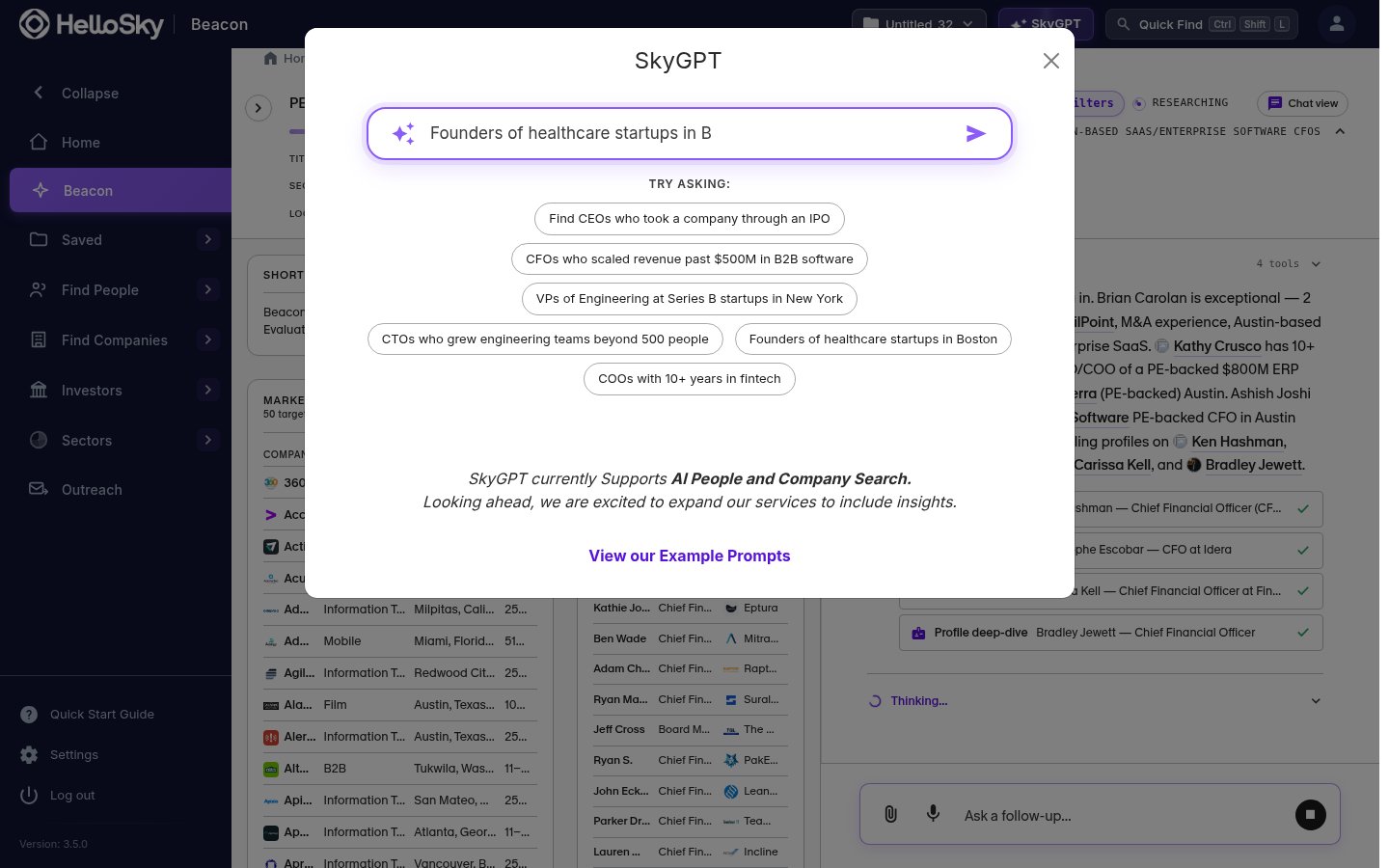
The main search bar on the Home page is SkyGPT: type your ask straight into it (or pick one of the “Try asking” suggestions beneath it) and send. You can also reach it two other ways:- Click SkyGPT in the top bar from anywhere in the platform.
- Use the Prompt or Job Description card on the Home page, where you can also attach a job description as a PDF.
Ask for who you need
Type a request the way you would brief a colleague, then send. Prompts that work well:- Find CEOs who took a company through an IPO
- CFOs who scaled revenue past $500M in B2B software
- VPs of Engineering at Series B startups in New York
- CTOs who grew engineering teams beyond 500 people
- Founders of healthcare startups in Boston
- COOs with 10+ years in fintech
Review the search it builds
SkyGPT translates your ask into real search filters and runs it. The result is a normal People or Company Search: the filters it chose stay visible at the top, and you can edit, add, or remove any of them by hand.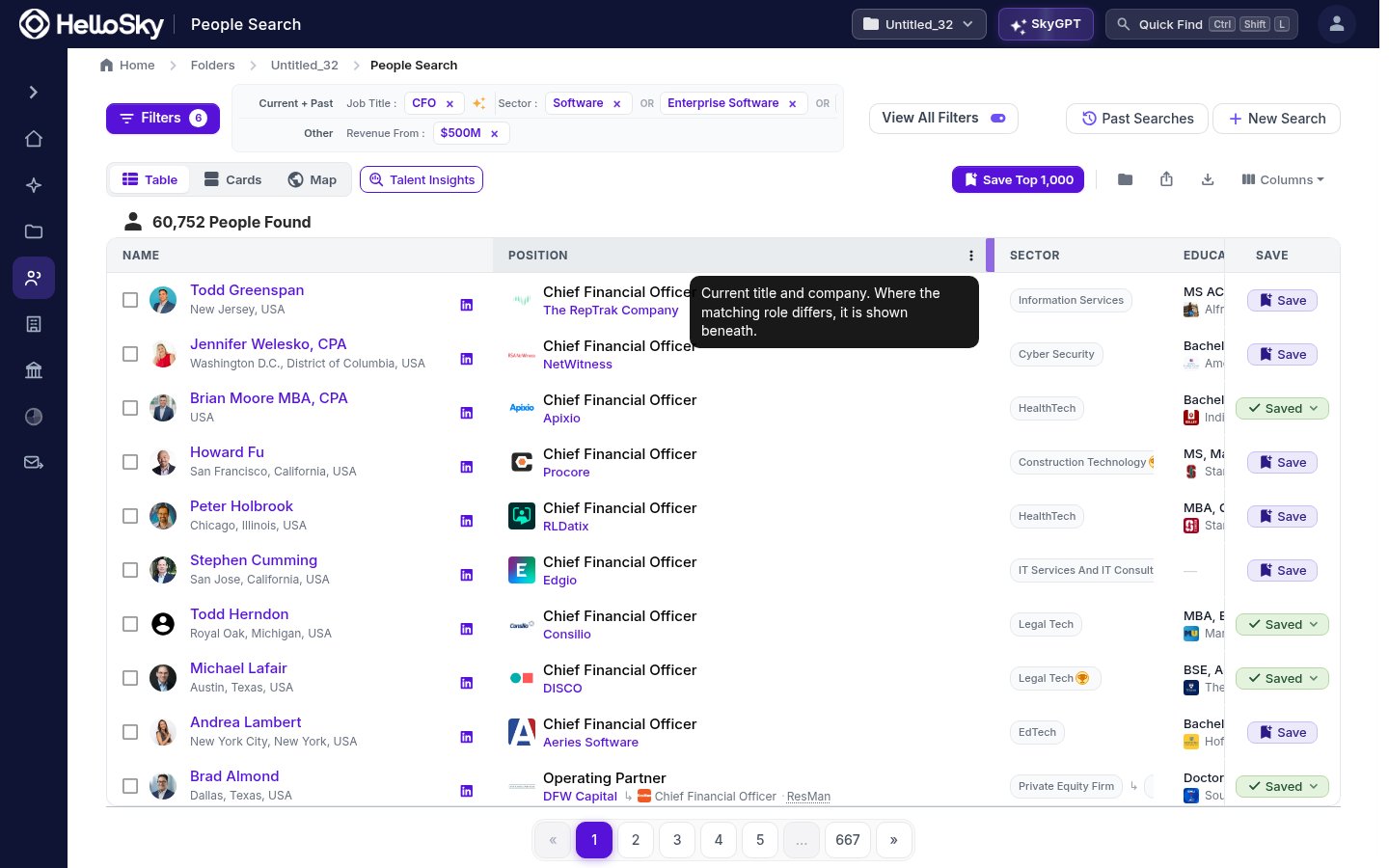
SkyGPT currently supports AI people and company search. For a full agentic search that evaluates and ranks candidates for a role, use Beacon.