

Share a list
- Open the list and click Actions, then Share List.
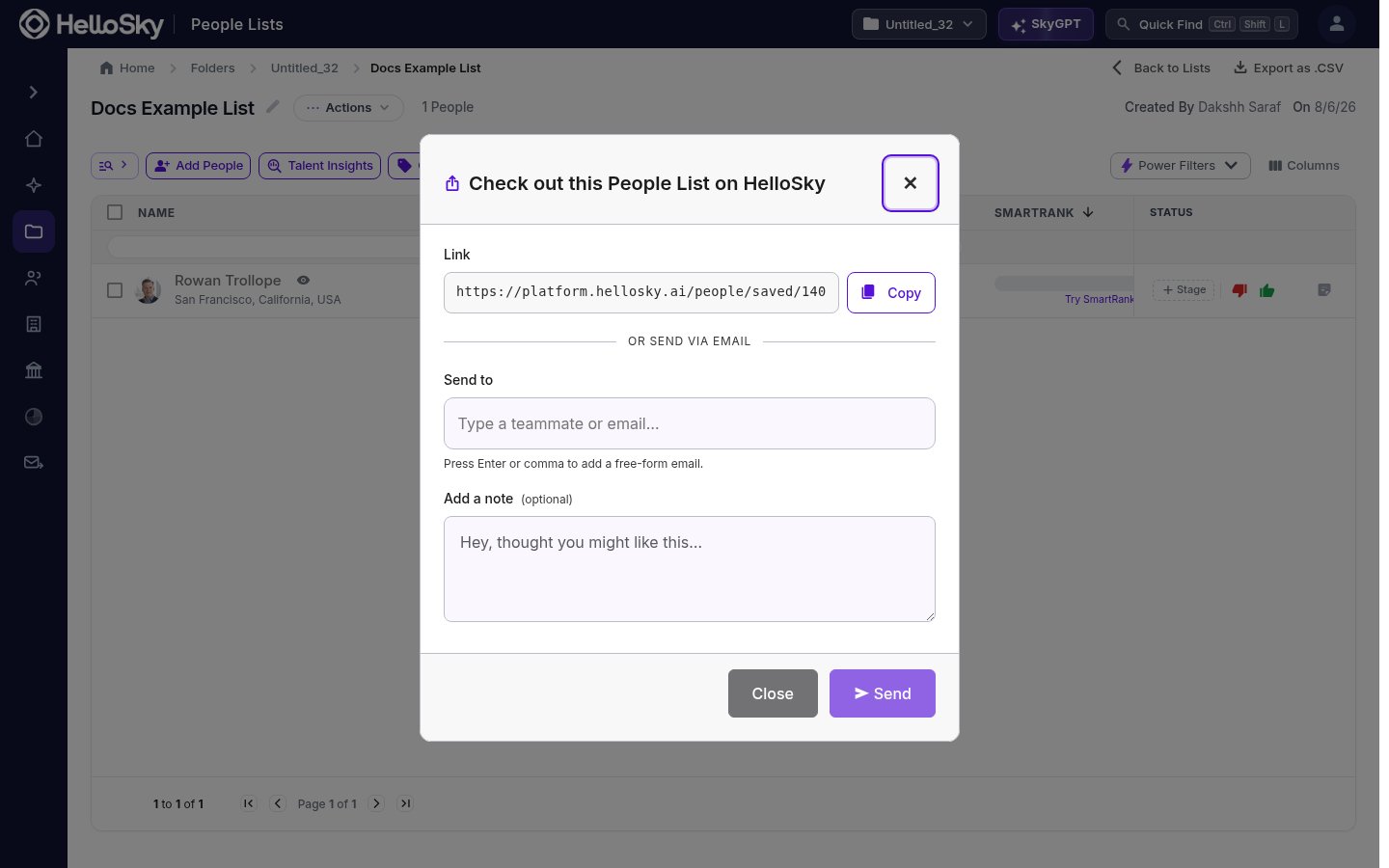
- Either:
- Copy the link and paste it wherever you collaborate, or
- Under Send to, type a teammate’s name or any email address (press Enter or comma to add several), optionally add a note, and click Send.
Org-wide lists
Instead of sharing person by person, you can make a list visible to your whole organization. Org-wide lists show up for teammates in the save panel (check Show org-wide lists) and in their Saved section, so everyone can add to the same pipeline.Sharing gives teammates access to view and work the list; only the list’s creator can delete it.